- Login to MySSU
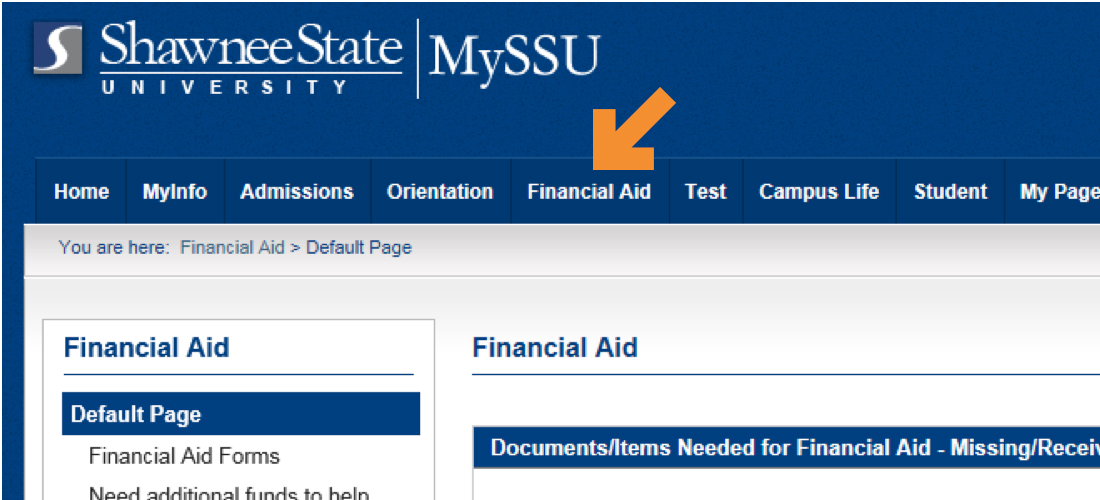
- Select the Financial Aid tab from the top headings
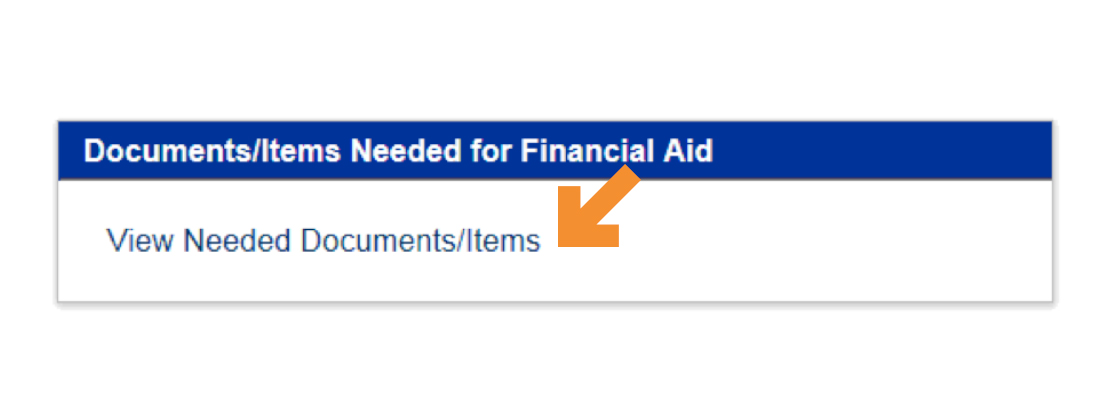
- Scroll down to Documents/Items Needed for Financial Aid
- Select View Needed Documents/Items
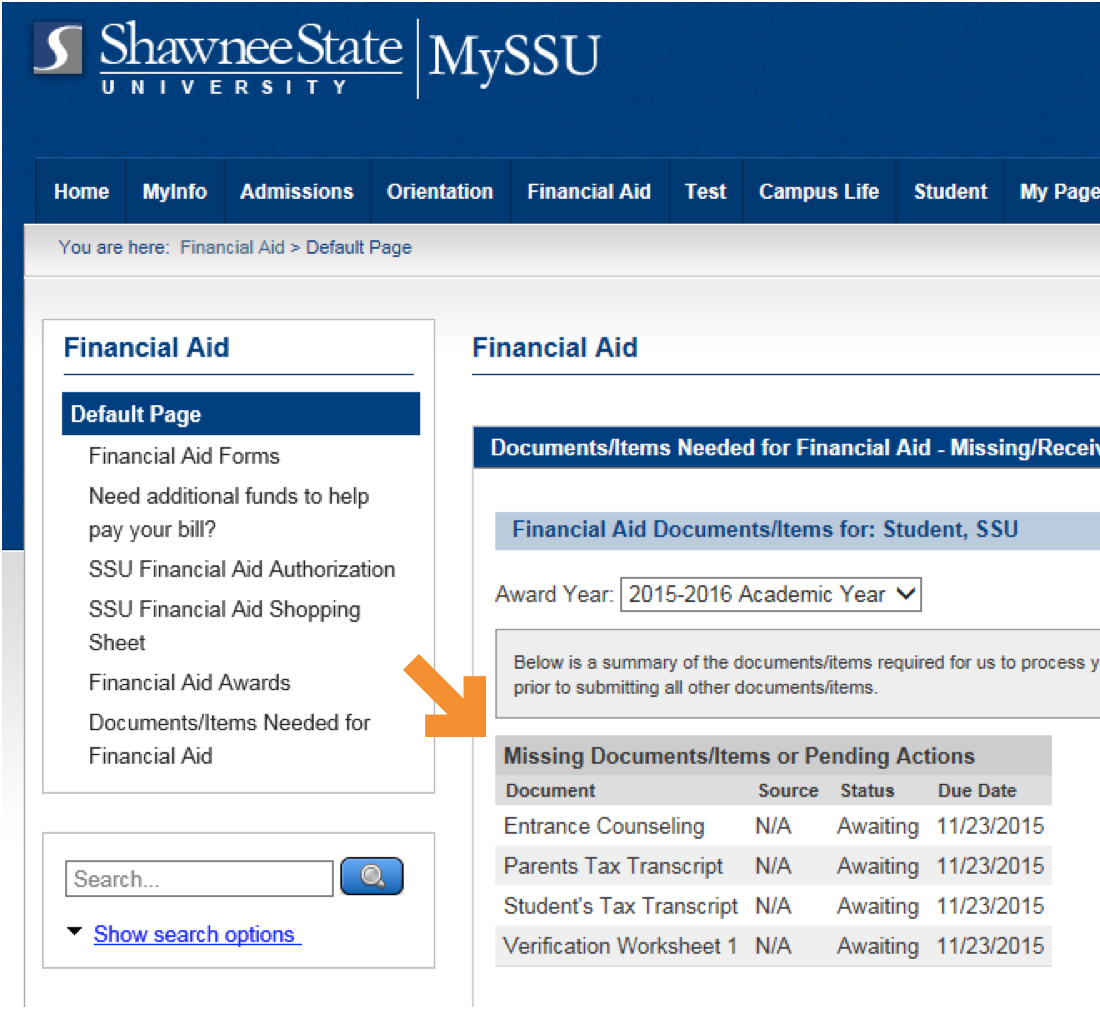
- Missing Documents or Pending Action Items will be listed